Introduction — Why this matters now
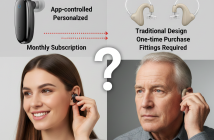
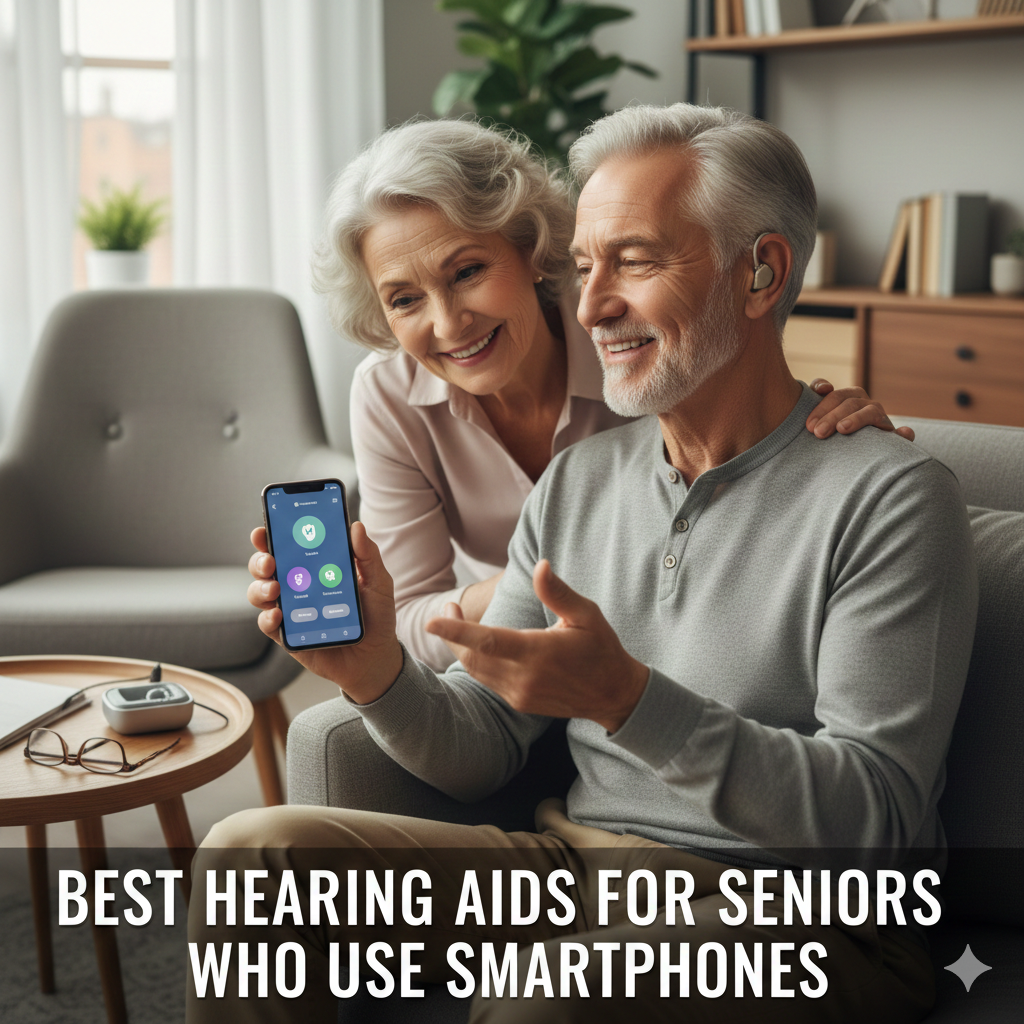
Best Hearing Aids for Seniors often combine clear sound, comfort, and easy usability with modern technology—but the right device depends heavily on how seniors interact with it daily. Many older adults use smartphones comfortably, yet hearing aid apps can feel cluttered, confusing, or fragile. That gap explains why some excellent hearing aids end up unused, while simpler models get worn every day.
Smartphone-compatible hearing aids promise call streaming, easy adjustments, and remote support. In practice, success depends less on fancy features and more on app design, button size, stability, and forgiving interfaces that work even when a wrong tap happens. This guide highlights hearing aids that respect how seniors really use phones, making daily life easier without unnecessary tech frustration.
The 40-Second Answer .
The best hearing aids for seniors who use smartphones prioritize simple apps, large controls, stable connections, and minimal daily adjustments. Devices that require constant fine-tuning or complex menus often cause frustration, even if sound quality is excellent.
What Seniors Actually Need From Smartphone Hearing Aids
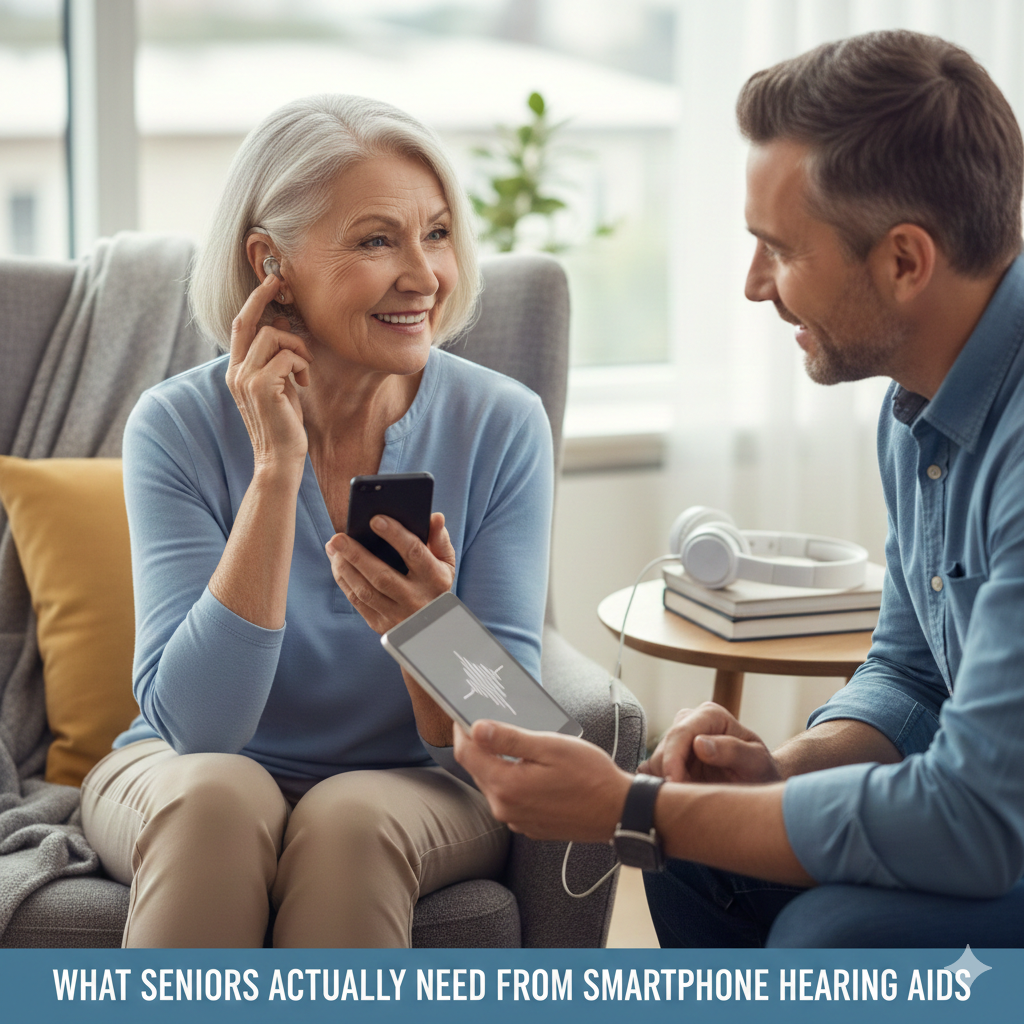
This is where many rankings miss the mark.
Priorities that matter most
Clear, readable app screens
Few essential controls .
Reliable Bluetooth connection
Minimal daily adjustments
Features that matter less
Advanced sound graphs
Deep EQ sliders
Frequent firmware updates
More app features often increase frustration—not satisfaction—for senior users.
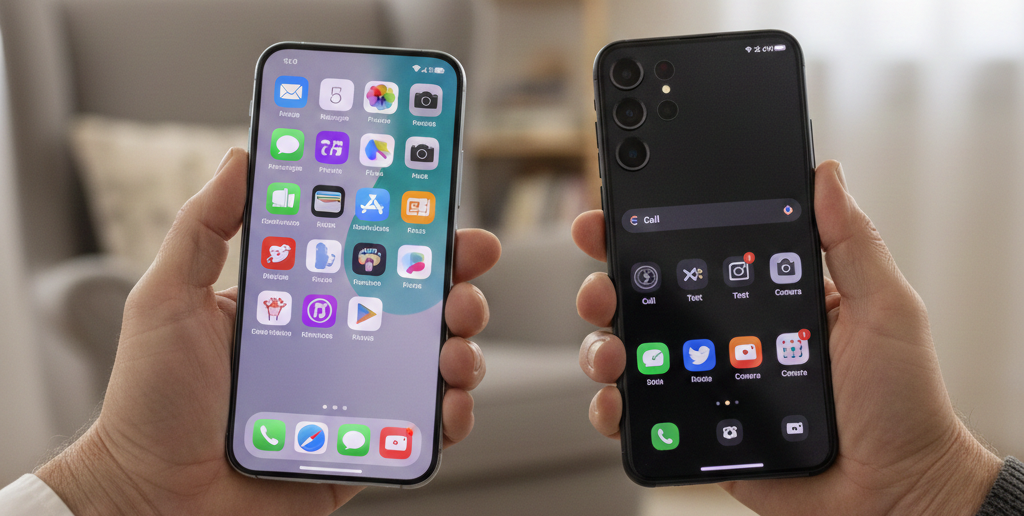
iPhone vs Android: Which Is Easier for Seniors?
iPhone advantages
Built-in hearing aid controls
Larger, consistent accessibility menus
Fewer connection drops
Android considerations
Works well on newer models
App behavior varies by phone brand
Battery optimization can interrupt connections
Bottom line: Seniors who value simplicity usually have fewer issues with iPhones, but Android works well when phone compatibility is confirmed.
Hearing Aid Styles That Work Best With Smartphones
RIC (Receiver-In-Canal)
Lightweight and comfortable
Easy streaming
Less ear fatigue
BTE (Behind-The-Ear)
Durable
Easier to handle physically
Slightly bulkier behind the ear
ITE styles can work—but small size often makes handling and cleaning harder.
Common Senior Frustrations (and Simple Fixes)
Frustration #1: App disconnects
Fix: Disable battery optimization for the app.
Frustration #2: Too many controls
Fix: Use default presets; hide advanced menus if possible.
Frustration #3: Touchscreen mistakes
Fix: Increase phone text size and enable accessibility shortcuts.
[Pro-Tip]
Set up hearing aid apps once, then rely on physical buttons or automatic programs day to day.
Information Gain: App Stability Beats Sound Customization
Most SERP articles emphasize sound quality. Seniors often value reliability more.
From real-world usage patterns:
Stable apps reduce anxiety
Fewer settings reduce accidental misconfiguration
Reliable streaming builds trust
A “slightly less customizable” app that always works often wins over a powerful app that fails occasionally.
Unique Section — Beginner Mistake Most Seniors Make
Assuming they must use the app daily.
In practice, many seniors succeed by:
Setting sound once
Using automatic programs
Adjusting volume only when needed
Apps should support—not dominate—the experience.
Real-World Scenario: Two Smartphone Seniors
Senior A: Enjoys texting and calls, dislikes settings
→ Prefers simple app, stable streaming
Senior B: Comfortable with apps, likes control
→ Can handle more customization
Same hearing loss. Different tolerance for complexity.
Comparison Table: Senior-Friendly Smartphone Features
| Feature | Why It Matters | Senior-Friendly Level |
| Large text | Easier reading | High |
| Few controls | Less confusion | High |
| Stable Bluetooth | Fewer resets | High |
| Physical buttons | Backup control | Very helpful |
| Auto programs | Less micromanaging | Essential |
[Money-Saving Recommendation]
Choose reliability over premium features—unused features still cost money.
Practical Tips From Senior Users
From real experiences:
Charge aids every night—routine matters
Keep Bluetooth on continuously
Avoid switching phones mid-trial
Ask family to help with initial setup only
Internal Linking (Contextual)
“OTC hearing aids that work best for beginners” → Best OTC Hearing Aids
“Bluetooth reliability explained” → Bluetooth Hearing Aids: iPhone vs Android
“comfort differences by style” → BTE vs RIC vs ITE Hearing Aids
Watch & Learn (YouTube — contextual)
“Hearing aid apps explained for seniors”
“iPhone accessibility for hearing aid users”
(Embed after the iPhone vs Android section.)
Image & Infographic Suggestions (1200×628 px)
Infographic: “Senior-Friendly Hearing Aid App Design”
Alt: hearing aids for seniors smartphone apps
Diagram: “Simple vs Complex Hearing Aid App Screens”
Alt: senior hearing aid app usability
Visual: “Daily Use Without App Stress”
Alt: easy hearing aid smartphone use
FAQs (Schema-Ready)
Do seniors need smartphones to use hearing aids?
No, but smartphones add convenience and control.
Are hearing aid apps hard for seniors?
Simple apps are manageable; complex ones cause frustration.
Which phone works better for seniors—iPhone or Android?
iPhones are generally simpler, but compatible Android phones work well.
Can hearing aids work without the app?
Yes—most function automatically once set up.
Should seniors choose rechargeable hearing aids?
Often yes—no small batteries to handle.
Conclusion
The best hearing aids for seniors who use smartphones aren’t the most advanced—they’re the most forgiving. Simple apps, stable connections, comfortable fit, and minimal daily effort lead to consistent use. When technology stays in the background, hearing aids finally do what they’re meant to do: make life easier, not more complicated.
Internal Link
Lexie vs Sony OTC Hearing Aids: Honest Comparison
External Link
Hearing Aids That Changed the Game in 2025 – Ranked & Explained