Introduction — Why this matters now
Bluetooth hearing aids work more reliably with iPhones than with most Android phones—but the gap is shrinking. This difference explains why some users enjoy seamless call streaming while others struggle with dropped connections, lag, or one-ear audio.
As hearing aids double as wireless earbuds, buyers often assume “Bluetooth is Bluetooth.” In reality, hearing aids use specialized Bluetooth standards, phone-specific protocols, and companion apps that behave very differently across devices. This guide explains what actually works today, why compatibility varies, what problems are normal (and fixable), and how to choose without frustration.
The 40-Second Answer (Featured Snippet Priority)
iPhones generally offer more stable Bluetooth hearing aid connections than Android phones because of Apple’s native hearing aid protocol. Android works well on newer models, but compatibility depends heavily on phone brand, OS version, and the hearing aid app.
Why Hearing Aids Use “Different” Bluetooth
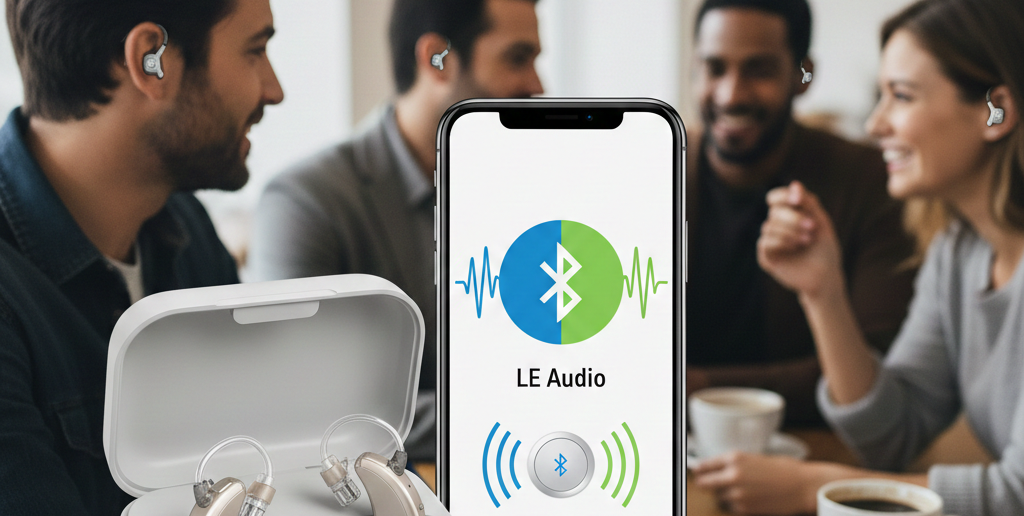
Hearing aids don’t use Bluetooth the same way headphones do. They rely on:
Low-energy Bluetooth to preserve battery
Proprietary protocols for audio streaming
Companion apps for control and updates
This makes phone integration more complex—but also more efficient for all-day wear.
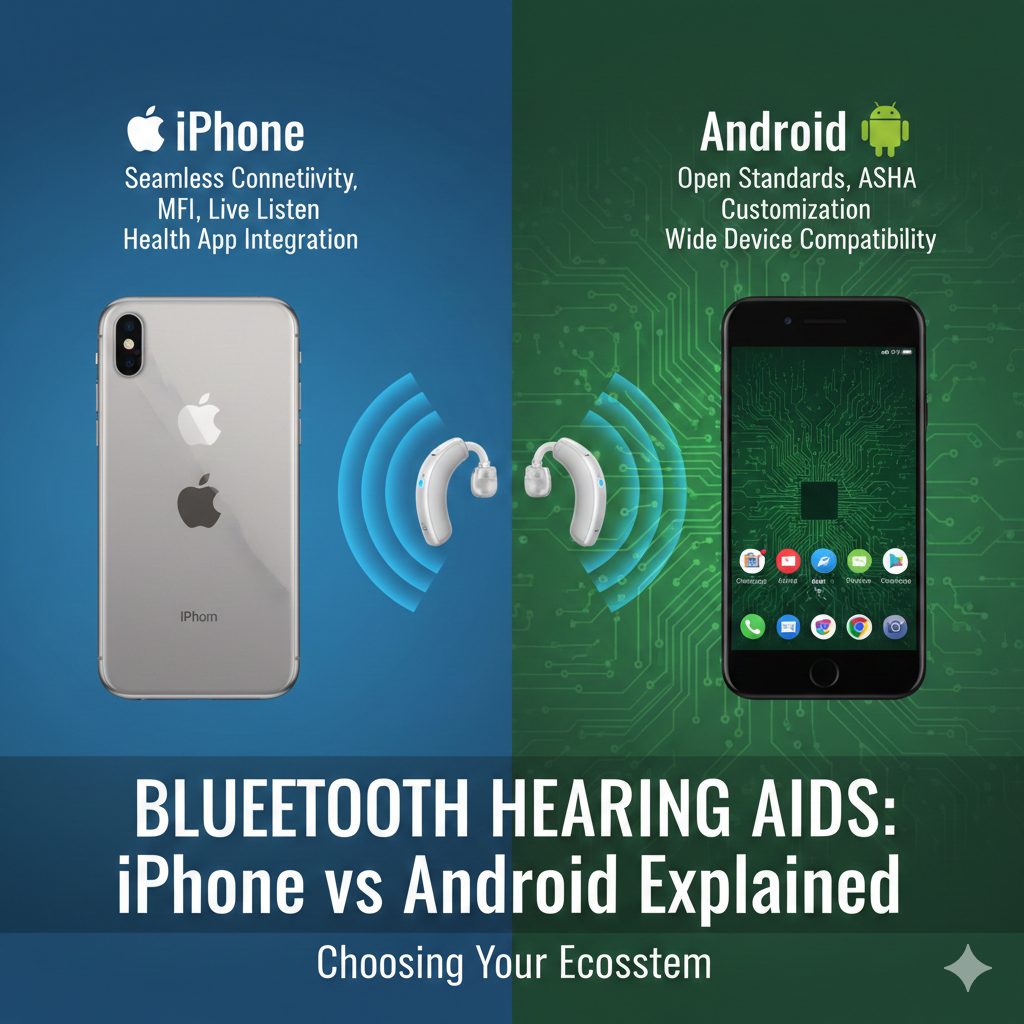
iPhone Compatibility: Why It’s Usually Smoother
Apple introduced Made for iPhone (MFi) hearing aid support years ago.
What iPhones do well
Direct audio streaming (calls, media)
Stable left-right synchronization
Built-in accessibility controls
Fewer random disconnects
Common iPhone limitations
Older models may lack latest features
iOS updates can temporarily affect apps
[Expert Warning]
After major iOS updates, wait a few days before updating hearing aid firmware to avoid conflicts.
Android Compatibility: Improving, but Inconsistent
Android uses ASHA (Audio Streaming for Hearing Aids).
When Android works well
Newer phones (Pixel, Samsung flagship)
Latest Android versions
Updated hearing aid apps
Common Android issues
Audio streaming to one ear only
Delayed notifications
App reconnecting frequently
[Pro-Tip]
If Android compatibility matters, always check your exact phone model, not just “Android supported.”
Common Bluetooth Problems (and Fixes)
Problem: Calls drop or lag
Fix: Disable battery optimization for the hearing aid app.
Problem: One hearing aid disconnects
Fix: Re-pair both aids simultaneously and restart the phone.
Problem: App won’t connect
Fix: Clear Bluetooth cache and reopen app near the aids.
Information Gain: App Stability Matters More Than Bluetooth Version
Most SERP articles focus on Bluetooth versions (5.0, 5.2). In practice, app stability and background permissions matter more than raw Bluetooth specs.
From real-world use:
Stable apps outperform “newer Bluetooth”
Aggressive battery saving breaks connections
Firmware/app mismatch causes most issues
Unique Section — Real-World Scenario
Scenario: Work Calls vs Daily Life
Office worker: iPhone users report fewer call issues
Casual user: Android works fine for notifications and media
Heavy streamer: iPhone currently offers the smoothest experience
Same hearing aids—very different outcomes depending on phone.
Practical Tips From Experience
From daily users:
Restart phone weekly to clear background bugs
Keep hearing aids within 1–2 meters during pairing
Avoid switching phones without factory reset of aids
[Money-Saving Recommendation]
If upgrading phones soon, prioritize compatibility over camera specs—you’ll notice Bluetooth reliability far more often.
Comparison Table: iPhone vs Android for Hearing Aids
| Feature | iPhone | Android |
| Call streaming | Excellent | Good–Variable |
| Media streaming | Stable | Improving |
| App reliability | High | Phone-dependent |
| Setup simplicity | Easy | Moderate |
| Battery impact | Low | Medium |
Internal Linking (Contextual)
“how digital processing works inside aids” → How Hearing Aids Work
“comfort differences by style” → BTE vs RIC vs ITE Hearing Aids
“fixing connection problems step-by-step” → Hearing Aid App Not Connecting to iPhone
Watch & Learn (YouTube — contextual)
“Bluetooth hearing aids iPhone vs Android test”
“Fix hearing aid app connection issues”
(Embed after the troubleshooting section.)
Image & Infographic Suggestions (1200×628 px)
Infographic: “iPhone vs Android Hearing Aid Compatibility”
Alt: bluetooth hearing aids iphone vs android comparison
Diagram: “Bluetooth Signal Flow Phone → Hearing Aids”
Alt: hearing aid bluetooth streaming diagram
Visual: “Top Causes of Hearing Aid Bluetooth Issues”
Alt: hearing aid app connection problems
FAQs (Schema-Ready)
Do all Bluetooth hearing aids work with Android?
No—compatibility depends on phone model and OS.
Why do hearing aids work better with iPhone?
Apple has native hearing aid support built into iOS.
Can I stream calls and music?
Yes, but reliability varies by device and phone.
Do Bluetooth hearing aids drain battery faster?
Streaming increases battery use, but modern aids manage it well.
Should I upgrade my phone or hearing aids first?
Upgrade the phone if compatibility is the issue.
Conclusion
Bluetooth hearing aids can be life-changing—but only when phone compatibility matches expectations. Today, iPhones still offer the smoothest experience, while Android continues to improve with newer models. Choosing wisely upfront prevents months of connection frustration later.
Internal link
Are Hearing Aids Waterproof? The Truth Explained
External link